Orders in one Desk
Every order, whatever paid for it: fulfilment, returns, refunds and notes in one list, with a CSV export.
Every plan
The platform
The storefront and the back office behind it, in one Desk: Zelle, Venmo and Cash App orders matched and reminded, cards through your own Stripe, COAs by lot, compliance checks, automations, affiliates and labels.
The back office
Every order, whatever paid for it: fulfilment, returns, refunds and notes in one list, with a CSV export.
Every planPay-by-app orders wait in one list. Forwarded payment emails land beside the order with the same amount; you press Mark paid. Reminders go out at 6 hours and 2 days.
Every planSet up inside the Desk, with Apple Pay and Google Pay. Payouts go straight to your bank. Authorize.net and NMI: coming this week.
Every planUpload a folder of certificates; each product page shows the newest lot first and keeps the older ones.
Every planTorva Watch checks every product, page and email when you save it, and shows the exact passage to fix.
Every planPayment reminders and an abandoned-checkout reminder on every plan; the full recovery sequence, back-in-stock and welcome on Growth; reorder reminders and new-lot notices on Command.
Grows with the planTracked links and codes, tiers, commission states and payout records, with a partner portal.
CommandBuy labels through your own EasyPost account, batch them, and print pick lists and 4×6 labels together.
Every planProducts, photos, COAs, policies, pages and redirects from your old URLs come across; customers import by CSV.
Rebuild on Growth and CommandAn AI assistant in the Desk that answers from Torva’s documentation. On Growth and Command, connect Claude to ask about your own orders and stock.
Every plan · Claude on Growth+Seven roles, two-step verification that owners can require, and payout details only the owner can change.
Every planPaid revenue, AOV, repeat rate, cohorts and where each order came from.
Every planThe back office
One Desk for orders, payments, shipping, customers, email, affiliates and analytics, and Ask Torva, an AI assistant that answers from Torva’s documentation.


Real Torva Desk screens · fictional Aster Research store · synthetic data. The demo is read-only and needs no account.
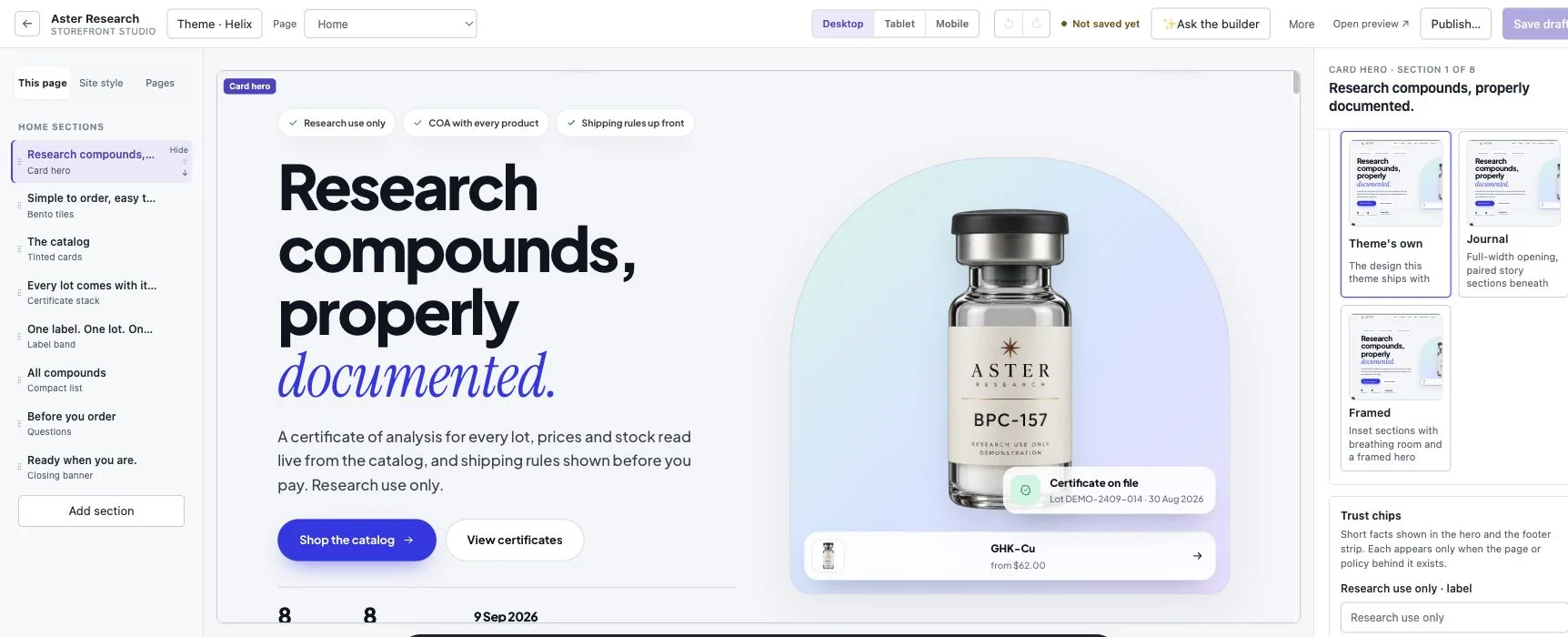
Storefront & Studio
Start from your current site or one of eight themes. Then change anything in Storefront Studio and publish when you’re ready.
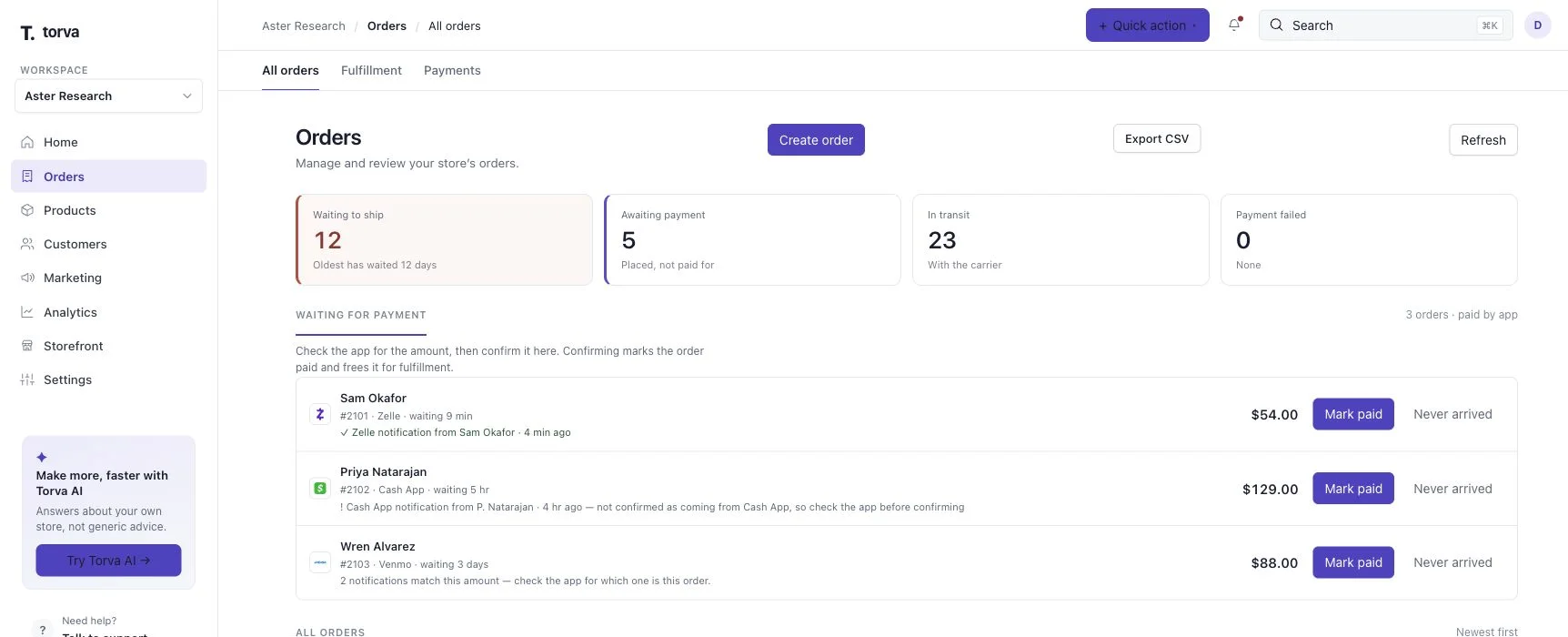
Orders & payments
Zelle, Cash App and Venmo orders wait in their own list until you confirm the money arrived. Cards run through Stripe once your store is live.
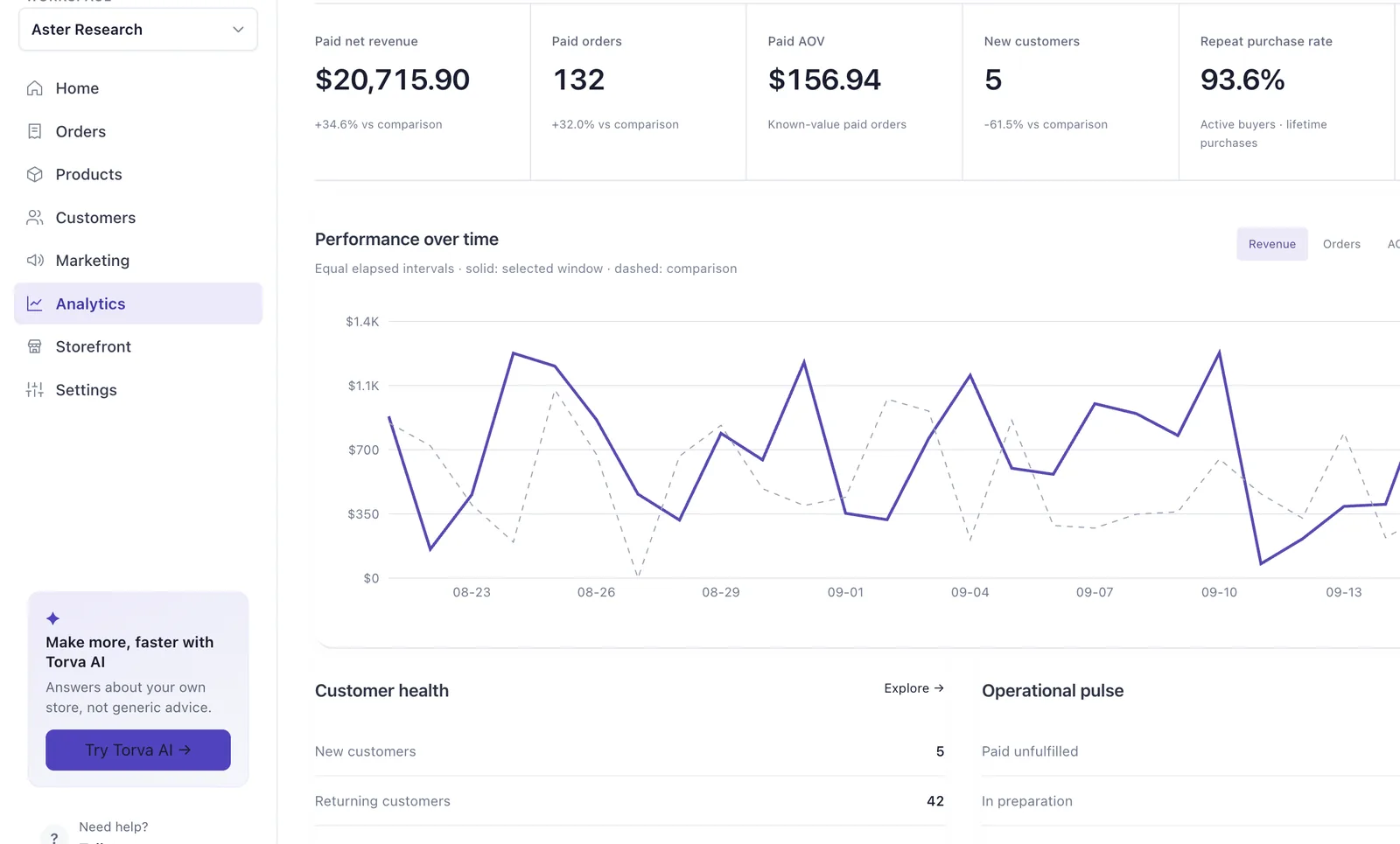
Analytics & growth
Paid revenue, orders, AOV, repeat rate and customer health in one view. Growth adds email automations; Command adds affiliates.
Research-ready by default
Research-supply stores get declined for the same few reasons. Every Torva build handles them before you ever see the preview, whichever way you start.
Why Torva is built for this categoryOn every storefront, with a second research-use confirmation at checkout. It can’t be switched off.
Review product identity, claims and documentation. Original names and photos stay intact; no code name guarantees approval.
Dosing, effect and human-use claims are removed from every page, product description and FAQ the build writes.
Shipping, refund, privacy and terms pages drafted from recommended templates that you can edit.
Approval decisions belong to each payment provider. Torva builds the store to what they look for and does not guarantee an outcome.
COA links from your current site come with your preview, and you can upload certificate images or PDFs in the Desk. Certificates are your records; uploading one is not an independent check of what it says.
Set lower unit prices at the quantities you choose, per variant. The storefront and checkout show them automatically.
Every storefront has a research-use and 21+ gate, and checkout asks again. They record the customer’s declaration; your own policies and obligations still apply.
On Growth and Command, connect Claude to your store. It reads orders, stock and your catalog; on Command it can also draft storefront and email changes for you to review. Command adds full API access and webhooks.

Paste your site, or start from scratch. Your preview is ready in 2–3 minutes, free, with no card.
No card to start · Plans from $99/month · 30-day money-back guarantee · Cancel online